COLOR-DO
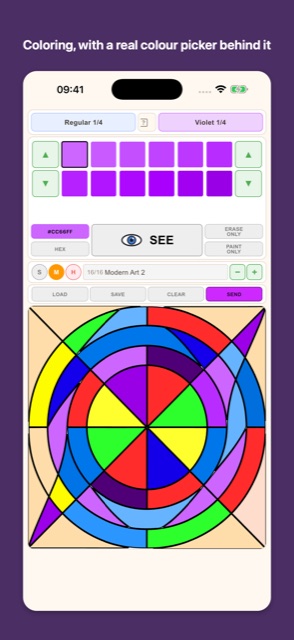
Coloring, with a real colour picker behind it.
Swipe the screenshots sideways to see more.
COLOR-DO gives you a picture and a wheel. Tap a sector to pick a colour, tap a region of the picture to fill it. That is the whole thing — and then there is everything underneath it.
The colour
The wheel holds a family at a time: Red through Violet, plus whites, greys and blacks. Four sets — Regular, Pastel, Neon, Jewel — and four shade pages in each, so one family gives you forty-eight usable tones before you have looked at the next.
Prefer a list to a wheel? Switch to bar mode in Settings and the same colours arrive as rows of swatches.
And if you already know the colour you want, type it: HEX gives you 166 = 16,777,216 colours, any one of them by its code.
The pictures
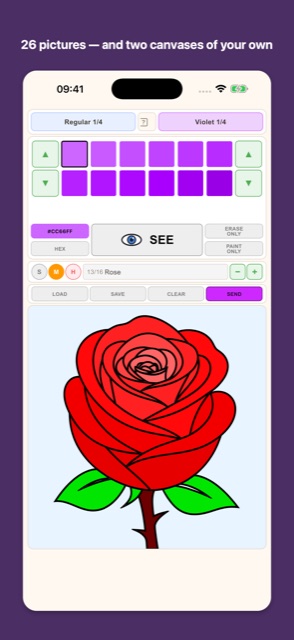
Twenty-six to colour — sixteen Medium and ten Hard. Two at each level are a Canvas and a Carpet, for colouring something of your own rather than someone else's drawing. Ten finished samples to look at, so you can see where a picture can go before you start one.
PAINT ONLY and ERASE ONLY lock a tap to one job, which saves the picture you have spent an hour on from a careless finger.
Keeping and sharing
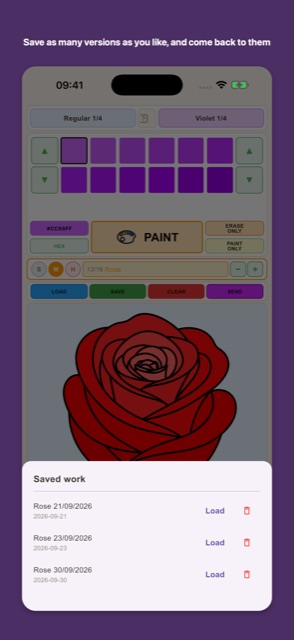
SAVE names your work and LOAD brings it back, as many versions as you like. SEND shares the finished picture. Export writes every saved picture to one file for a new device.
Also
- Ten languages
- A layout of its own on tablets, in both orientations
- Works offline, always
- No ads
Free and paid
The samples and one picture at each level are free. You can browse every other picture before deciding. One payment opens all twenty-six. No subscription.